Change Fontsize:
This Website
The pages on this website are:
The Examples page contains examples of Access Riders for you to look at and download. You can see sections to consider when writing your own Access Rider.
The Create page is for writing and downloading your own document with your access needs and information detailed how you want to share it.
The How To page is this page. It teaches you how to use the website.
The Learn More page is for people who are sent an access rider, or others who are learning, to find out more about the document and what to do when they are sent one to look at.
How to use this website
You should start on the examples page.
You can see templates to make an access rider there.

If you have questions look at the Learn More page.

It has Frequently Asked Questions (FAQs) and more links.
The Create Page
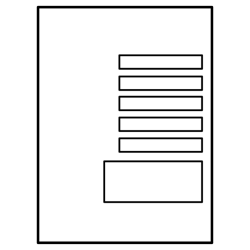

Enter your information in the form.

Enter your personal details.

Enter information about your access needs.

You can edit this later because it is saved on your device.

When you have finished click the "Download" button.
This downloads your access rider.
It downloads as a PDF.
PDF: A PDF is a digital document format with standard text and image formatting.